
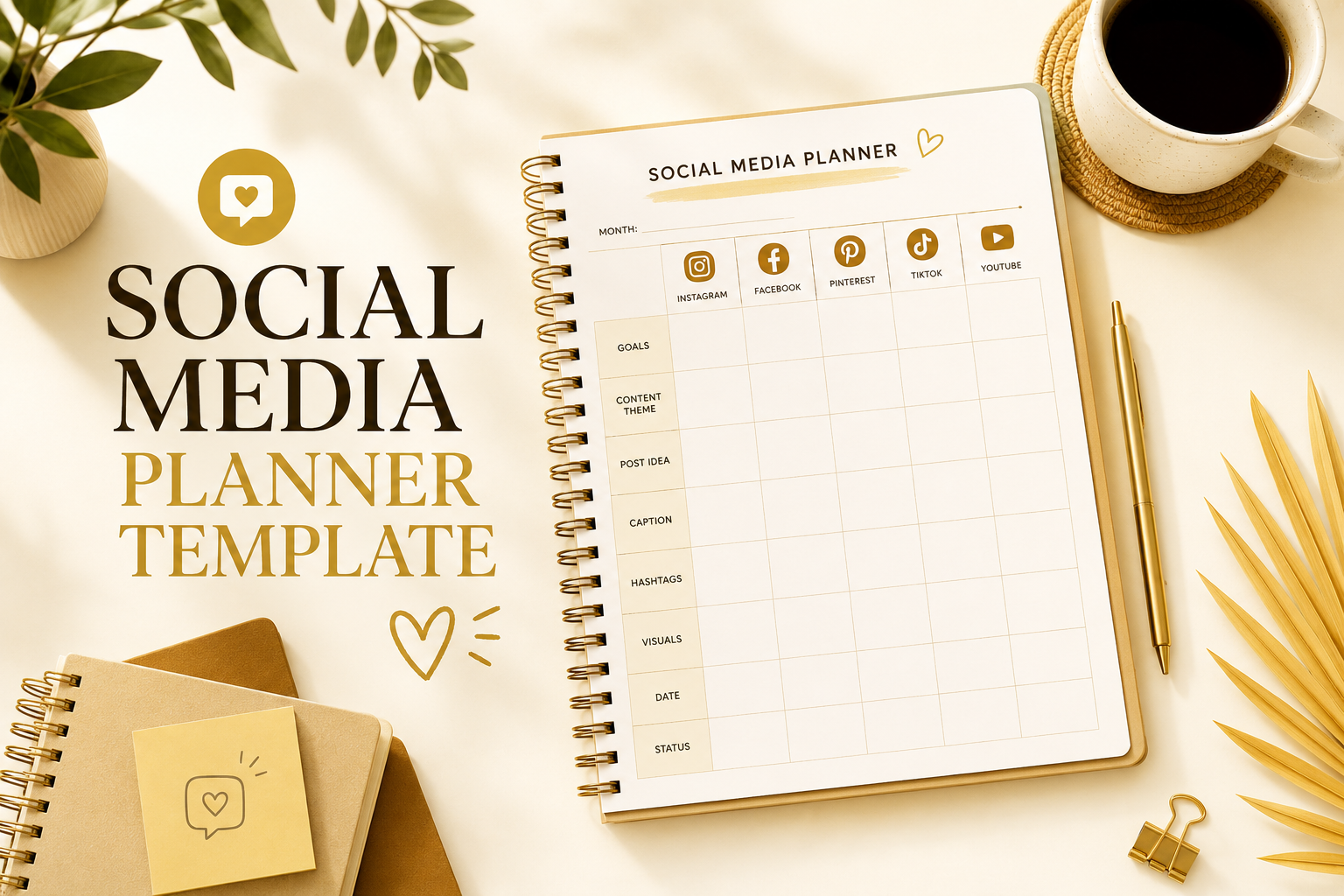

Social Media Planner Template:
What to Look For (and What Most Miss)
Most templates give you boxes to fill. A real planning system tells you what to post, tracks what works, and keeps you consistent — without burning out.
DigitalKit · 8 min read
If you've searched for a social media planner template and downloaded three different spreadsheets that you never actually used — this article is for you. The problem isn't discipline. It's that most templates are built to look organized, not to help you grow.
There's a difference between a calendar that holds dates and a system that drives results. This article breaks down what that difference actually looks like in practice — and what a proper social media planning template needs to include if you want to stop guessing and start posting with purpose.
Why Most Social Media Templates Fail You
Download any free social media planner template and you'll get the same thing: a monthly calendar grid, maybe a column for captions, and a field called "Notes." That's it. No structure for what kind of content to post. No tracking. No platform logic.
The result? You fill it in for two weeks, life gets busy, and the template becomes another open tab you feel guilty about.
Random posting feels productive but produces nothing measurable. Without a system that connects your content type to a goal — and tracks whether it worked — you're just filling boxes. A great template doesn't just organize time. It organizes thinking.
Here's what's actually missing from most templates people reach for:
- No distinction between content types (awareness, engagement, trust, sale)
- No platform-specific logic — Instagram and LinkedIn are not the same game
- No performance tracking — so you repeat what doesn't work without knowing it
- No audience overview — who are you actually speaking to?
- No competitor or trend reference — you plan in a vacuum
The 3 Pillars a Real Social Media Planner Template Needs
After looking at what actually separates accounts that grow from accounts that stall, the pattern is consistent: the ones that grow have a three-part system. Not a calendar. A system.
What you're posting, when, and why. Includes content type, platform, caption draft, posting time, and the goal each post serves.
Instagram ≠ LinkedIn ≠ X/Twitter ≠ Facebook. Each platform has its own content rhythm, format, and audience behavior. One sheet doesn't cover all four.
If you don't track results, you can't improve. Ad campaigns, engagement rates, follower growth, competitor moves — all in one place.
Most free templates have pillar one, partially. Almost none include two and three. That's why they don't work for very long — they're half a system sold as a complete solution.
Pillar 1: Content Planning — More Than a Calendar
A real content planning layer starts before the calendar. It starts with your audience. Who are they? What time of day are they most active? What questions do they have that you can answer?
Your planner should have a dedicated audience overview section — not just a box that says "target audience" where you write "women 25–40." Real specifics: what platform they use most, what they're trying to accomplish, what makes them stop scrolling.
The content idea bank
One of the most underrated features of a good planner is a running idea bank — a section where you dump content ideas the moment they come to you, before they disappear. Not organized, not scheduled. Just captured. You schedule from the bank, not from a blank page every Monday.
Best posting times — per platform, per audience
Generic "best times to post" advice is useless. What matters is when your audience is online. A solid template has a dedicated section to track your personal posting performance by time slot so you can discover your own patterns — not copy someone else's.
Pillar 2: Platform-Specific Planners
This is where most templates completely fail. Posting the same content to Instagram, Facebook, LinkedIn, and X/Twitter at the same time is not a strategy — it's copy-paste laziness, and the algorithms punish it.
Each platform has its own:
- Format preferences — Reels on Instagram, carousels on LinkedIn, threads on X, native video on Facebook
- Caption length norms — Short punchy hooks on Instagram, long thoughtful posts on LinkedIn
- Engagement patterns — Comments vs. saves vs. shares carry different weight per platform
- Best post frequency — Posting twice a day on LinkedIn will hurt you; posting once a day on Instagram is fine
You need a dedicated planning sheet for each platform you use. Not a generic calendar with a "platform" column. A dedicated sheet, with the right fields for that platform's logic.
A solopreneur selling digital products on Instagram needs a planner that includes Story polls, Reel concepts, and highlight categories — none of which belong on a LinkedIn planner. Platform-specific sheets aren't optional. They're the difference between a strategy and a schedule.
Pillar 3: The Tracking System That Actually Tells You Something
Posting without tracking is running a race with your eyes closed. You might be moving fast, but you have no idea if you're heading toward the finish line.
What to track (and why each one matters)
- Engagement rate per post — Not just total likes. Engagement relative to your follower count is what shows you what content type resonates.
- Follower growth week-by-week — Spikes tell you which posts brought new people in. Drops tell you something went wrong.
- Ad campaign performance — If you run paid campaigns, even small ones, you need a tracker that shows cost per result alongside organic data.
- Competitor monitoring — What are accounts in your niche posting that's working? Not to copy — to understand the space and find the gaps.
- Giveaway & campaign tracker — Promotional activities need their own tracking separate from your regular content so results don't get mixed up.
The goal isn't to drown in data. It's to answer one question at the end of each month: what should I do more of, and what should I stop? A tracking sheet that doesn't answer that question isn't worth using.
Template
- Master content hub: audience overview, idea bank, blog planner, best posting times
- 4 dedicated platform planners: Instagram, Facebook, LinkedIn, X/Twitter
- Full marketing tracker: ad campaigns, competitor research, giveaways, email sequences
- Open in Canva, fill it in, start today — no design skills needed
How to Actually Use Your Planner (The Part Nobody Talks About)
Having the right template is 40% of the battle. The other 60% is how you use it. Here's the workflow that makes a social media planner template actually stick:
Weekly planning session — 30 minutes max
Every Sunday (or whatever day works for you), spend 30 minutes on three things: review last week's results, pick content from your idea bank, and schedule the week. That's it. If your weekly session takes longer than 30 minutes, your template is too complicated or your process needs to be simplified.
Monthly review — the most skipped step
At the end of each month, use your tracking data to answer: which 3 posts performed best? Which platform gave me the most return on time? What content type should I double down on next month? This review is what turns your planner from a log into a learning machine.
The idea bank is sacred
Every time an idea hits — in the shower, in traffic, while scrolling — capture it in your idea bank immediately. Don't schedule it yet. Just capture it. When Sunday comes, you'll have 10 ideas waiting instead of staring at a blank week.
Free DIY Approach vs. Ready-Built Template
You can absolutely build your own social media planner from scratch. If you enjoy building Notion dashboards or Google Sheets setups, go for it — the structure in this article gives you a solid blueprint.
The honest tradeoff:
- DIY: Takes 3–6 hours to set up properly. You'll need to create the platform-specific sheets, tracking formulas, idea bank, and audience sections yourself. Full control, but real time investment.
- Ready-built: A well-designed Canva template covers all three pillars out of the box. You open it, customize it with your colors and info, and you're running in 20 minutes. The cost of your time almost always exceeds the cost of a quality template.
The question isn't which is better in theory. It's which one you'll actually use on Monday morning.
Frequently Asked Questions
Stop planning in circles.
Get a system that actually works.
